
Plugin Authentication
Now, you need to add authorization keys to your website. Go to Settings --> Discord in the WordPress admin panel of the site. You will see three keys that are required to begin authorization.
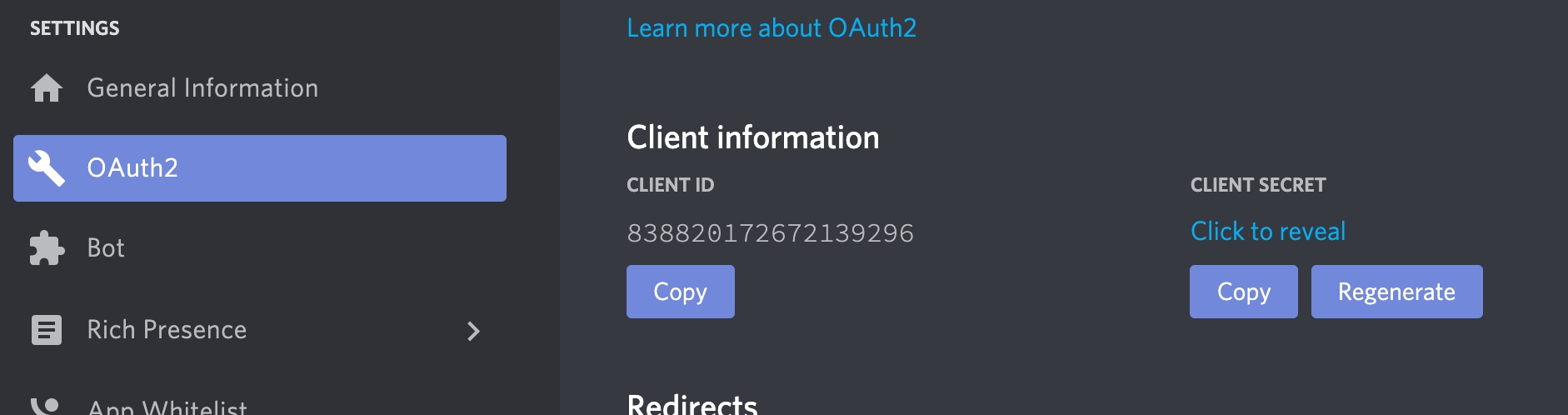
To get a Client ID and Client Secret keys, go to the OAuth2 page of the Discord application and copy them from the Client information section.
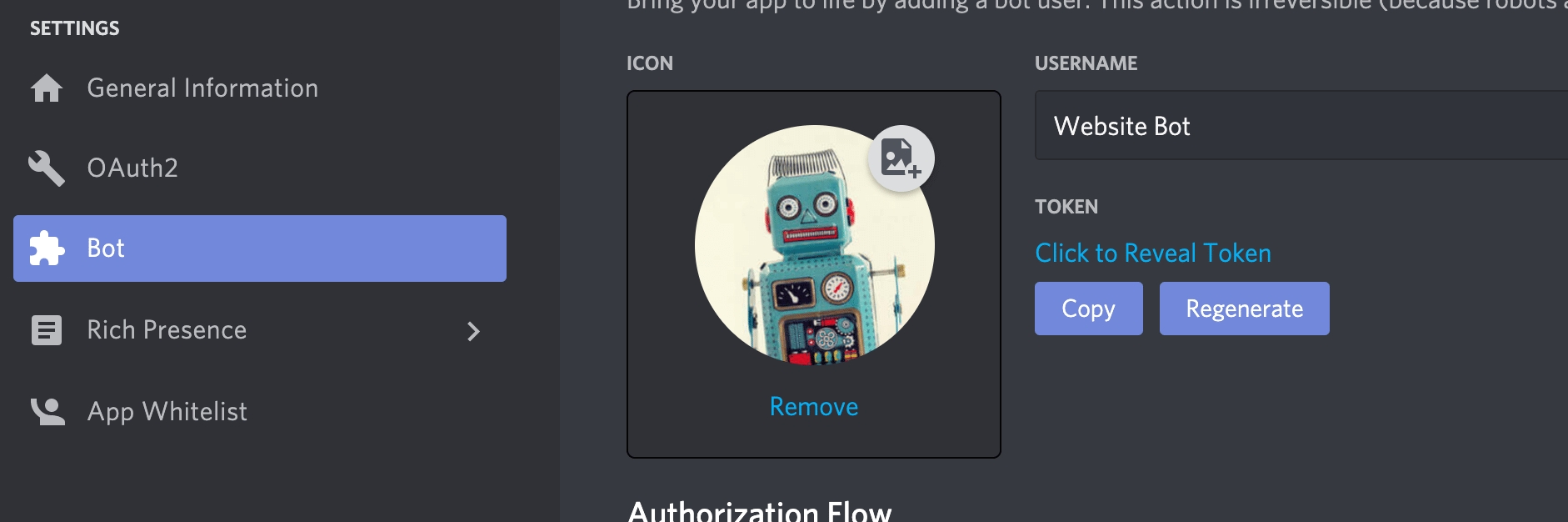
To get the Bot Token key, go to the Bot page of the Discord application and copy them from the Build-A-Bot section.
You will be redirected to the Discord authorization page. You will have to choose your server to connect with the plugin in the ADD TO SERVER option and a channel where the plugin will send messages in the ADD A WEBHOOK TO option. Click Authorize, and the setup is complete.
Was this helpful?